AI Workflow

These are things I built using Claude and Cursor. I use AI regularly in my workflow to explore problems, prototype interactions, and validate assumptions more quickly. It lets me ship faster, iterate more, and focus on decisions that actually matter.

Marlin Hunter

Click to interact

Click to interact

Why: Job search felt overwhelming and isolating. I wanted to build something that made it feel manageable and fun.


How: I used Claude to plan features, design interactions, and build the entire application. I deployed it on Netlify. The whole product went from idea to shipped in 2 days.


What I Built:

  • Streak and level system to encourage consistency and momentum

  • Daily affirmations and pixel art aesthetic to make the experience feel fun (even though job hunting is not)

  • Application tracker for accountability and organization

  • Networking tracker to maintain connections (statistically the best way to land a job)


What It Shows: I moved from a problem *disorganized, demoralizing job search* to a delightful, functional solution in 2 days by using Claude for planning, design, and build. I understand user psychology, can design and build with speed, and care about making something that's both useful and enjoyable.

Why: Job search felt overwhelming and isolating. I wanted to build something that made it feel manageable and fun.

How: I used Claude for feature planning and interaction design and building. The whole thing went from idea to working 2 days.

What I Built:

  • Streak and level system to encourage consistency and momentum

  • Daily affirmations and pixel art aesthetic to make the experience feel warm, not sterile

  • Networking tracker to maintain connections (statistically the best way to land a job)

  • Application tracker for accountability

What It Shows: I can move from problem (disorganized, demoralizing job search) to delightful solution (functional tool that feels encouraging) quickly using AI-assisted coding. I understand full-stack design—understanding user psychology, building with speed, making something that's both useful and enjoyable. I solve problems for myself first, then think about how they scale.

Why: Job search felt overwhelming and isolating. I wanted to build something that made it feel manageable and fun.

How: I used Claude for feature planning and interaction design and building. The whole thing went from idea to working 2 days.

What I Built:

  • Streak and level system to encourage consistency and momentum

  • Daily affirmations and pixel art aesthetic to make the experience feel warm, not sterile

  • Networking tracker to maintain connections (statistically the best way to land a job)

  • Application tracker for accountability

What It Shows: I can move from problem (disorganized, demoralizing job search) to delightful solution (functional tool that feels encouraging) quickly using AI-assisted coding. I understand full-stack design—understanding user psychology, building with speed, making something that's both useful and enjoyable. I solve problems for myself first, then think about how they scale.

Ripple

Click to interact

Click to interact

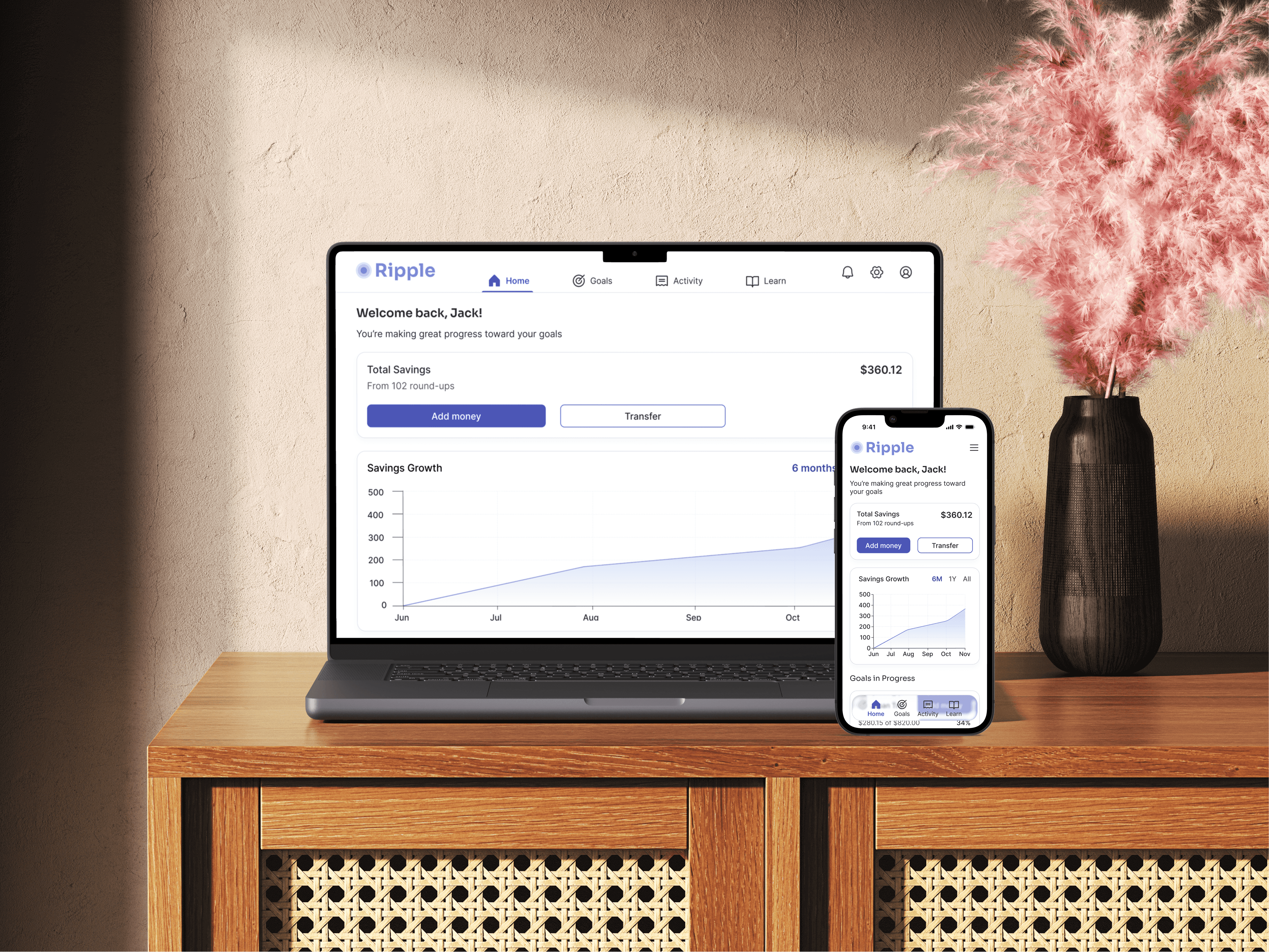
Why: Ripple existed as a case study, but I needed to test how the interface would actually feel on mobile and validate core interactions with users.


How: I built a fully functional, responsive prototype using Cursor. I used Claude to think through mobile interaction patterns and edge cases before building. The prototype let me conduct real usability testing instead of getting feedback on static Figma designs.


Result: Testing revealed critical mobile-specific insights:

  • 3 out of 5 users missed the expense breakdown on mobile, even after repositioning it higher on desktop. On smaller screens, it needed even stronger visual hierarchy.

  • Goal card expandability felt cramped on mobile; users wanted more space to view and edit details.


The prototype helped me iterate quickly and surface insights that would've been invisible in Figma. It proved that vibe coding with Cursor is a faster way to validate UX decisions before handing off to engineering.